TikTok Bio Link Requirements 2026: 1,000 Followers
 Marcel Cruz
To put a website link in your TikTok bio you need one of two things: a General TikTok Account with at least 1,000 followers, or a Verified Business Account, which has no follower minimum. That is the entire eligibility rule. There is no paid unlock, and no separate application.
TikTok Bio Link Requirements at a Glance
| Account type | Can add a profile website link? | Follower minimum |
|---|---|---|
| General TikTok Account (personal) | Yes, once eligible | 1,000 followers |
| Verified Business Account | Yes | None |
| Organization Account | Varies by account | Not published |
Two things people expect to find in this table and will not: there is no regional restriction on the profile website link itself, and there is no way to buy your way past the 1,000-follower line. TikTok's help centre attaches its "where available" caveat to Lemon8 account linking, not to the website field.
Once the field is live, TikTok gives you exactly one URL slot, and it has to do everything. TikTok no longer supports profile links that open or log you into other social apps, so the Instagram and YouTube shortcuts creators used to rely on are gone. Every audience member who wants to find you anywhere else now routes through that single link. The rest of this guide is how to build the page behind it.
Why Won't TikTok Let Me Add a Link?
Almost every "TikTok won't let me add a link" case is one of three things.
You are under 1,000 followers on a General Account. TikTok's own wording is that you can add a website link "if you have at least 1,000 followers, or if you have a Verified Business Account." Below that line the field simply does not render. Nothing you change in Edit Profile brings it back.
You have a business account but it is not verified. This is the most common misreading of the rule. The exemption belongs to the Verified Business Account, not to any account that has been switched to a business type. TikTok also warns that if you are asked to verify your business and don't, the account can be converted back to a General Account, taking the exemption with it.
You are looking for a social-app shortcut that no longer exists. TikTok used to show separate shortcut fields that opened your YouTube or Instagram app straight from your profile. Those app-opening links are gone. You can still send people to those platforms, but only as ordinary web links behind your one website URL.
If the field should be there and isn't, or you can't see a link on someone else's profile, link in bio not showing walks through every remaining reason. Once it's live, come back here.
Your One Link Now Carries All the Traffic
Because the platform shortcuts are gone, every audience member who wants to find you on another platform routes through your bio page. If that page doesn't carry your Instagram link, your YouTube channel, and your other platforms in one place, you're losing that traffic entirely.
That makes the destination page more load-bearing than it used to be. It is no longer a convenience. It is the only way to send your TikTok audience anywhere outside TikTok.
The 5 Jobs Your TikTok Bio Link Now Needs to Handle
One URL doing everything sounds like a limitation. It's actually cleaner than managing five separate profile links, as long as your bio page is built to handle multiple jobs.
Here's what a well-built bio page needs to do for TikTok creators in 2026:
1. Replace the removed platform shortcuts. Instagram, YouTube, Twitter, Patreon, Discord. Your TikTok audience looking for your other channels now has to find them here. Don't make them search for your handle manually.
2. Promote your current content or offer. TikTok content is moment-specific. Someone clicking your bio after a video about your new course expects to find that course. Linking to something unrelated loses that click instantly.
3. Capture email addresses. TikTok can suspend accounts, change algorithms, and remove features overnight. Your email list belongs to you regardless of what TikTok does next. Every bio page should have at least one way to capture email.
4. Drive your primary conversion. Merch, bookings, affiliate programs, coaching, digital products. Whatever actually generates income needs a direct path from your bio page, labeled clearly.
5. Give new visitors enough context to decide whether to follow. Not every person clicking your bio already knows who you are. A short bio block and clear niche description helps first-timers understand quickly what you're about.
Run this as a quick audit of your current page: does it handle all five? If you're missing one, that's your starting point.
How to Structure Your Bio Page for TikTok Traffic
TikTok visitors behave differently from people coming from Google or email. They're on mobile, inside TikTok's in-app browser, often halfway paying attention, and frequently first-time visitors who just finished a video and are still deciding what to do next.
That context shapes how you should build your bio page.
First fold matters more than anywhere else. Most TikTok visitors won't scroll past the first screen. Whatever is most important has to be visible without scrolling.
Speed matters more than on desktop. TikTok's in-app browser loads pages slower than a native browser. A bloated page with heavy images and too many scripts is a page that loses visitors before they see anything.
Visual hierarchy matters. When everything on your bio page looks equally important, nothing gets clicked. One prominent item at the top draws attention. The rest follows below.
Structure your page in this order:
- Featured item (whatever your current video or campaign is pointing to)
- Social platform links (Instagram, YouTube, and any other platform you're active on)
- Email capture or newsletter link
- Primary offer (your store, booking page, course, or main product)
- Evergreen links (website, portfolio, or contact page)
Keep the total list to five to seven items. More than that and you're building a navigation menu instead of a bio page. Every additional option reduces the chance visitors click any of them.
The Featured Block: Why It Matters and How to Use It
The featured slot at the top of your bio page is the element that most creators treat as permanent when it should be rotating.
When you post a TikTok about your new digital product and someone clicks your bio, they expect to find that product. If they find a generic link to "my website" or an offer from three months ago, you've lost that conversion.
Most bio pages are abandoned after setup. The creator gets distracted, moves on, and the page sits there with stale content while the TikTok audience keeps arriving. The mismatch between what the video promised and what the bio page delivers is where most TikTok conversions die.
Treat the featured slot like a weekly task.
- When you launch a campaign, change the featured item to match it.
- When a video blows up unexpectedly, update the featured item to match the video's topic.
- When you have nothing active, use a "watch my latest video" link pointing to your newest upload.
The update takes two minutes. The payoff is a bio page that actually matches why someone clicked.
Examples of what to feature:
- Your newest YouTube video for TikTok followers who also watch long-form
- A limited product launch or seasonal offer
- A free resource tied to an email capture (PDF guide, template, checklist)
- A booking calendar when you're actively filling slots
- A collab announcement with a direct link to the partner's page
Build Your Page in Minutes
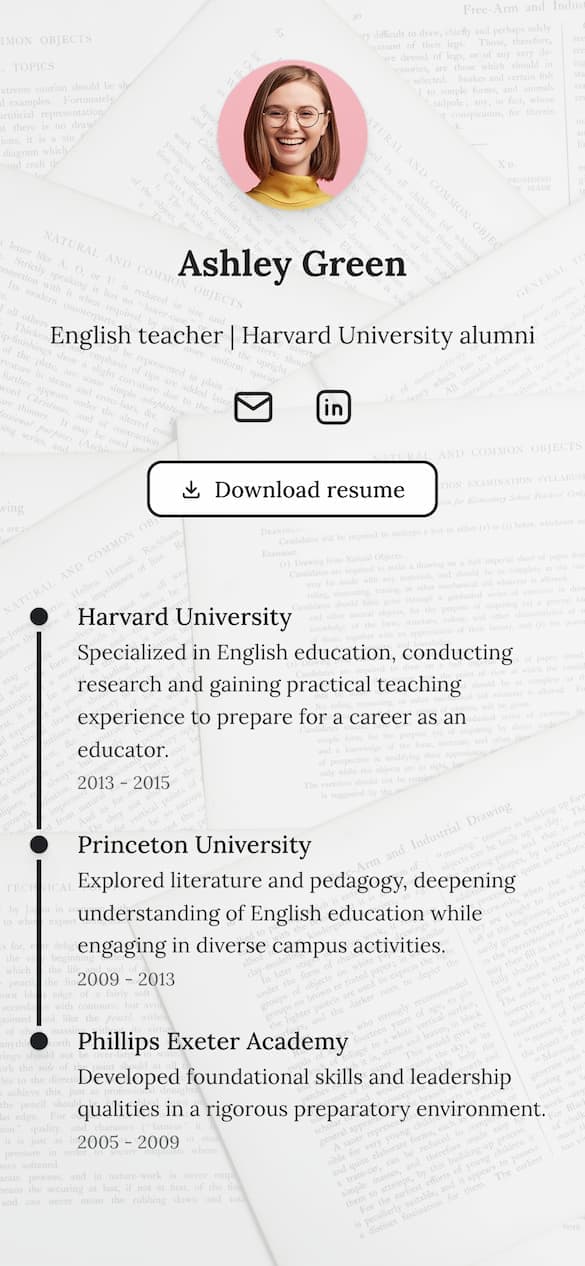
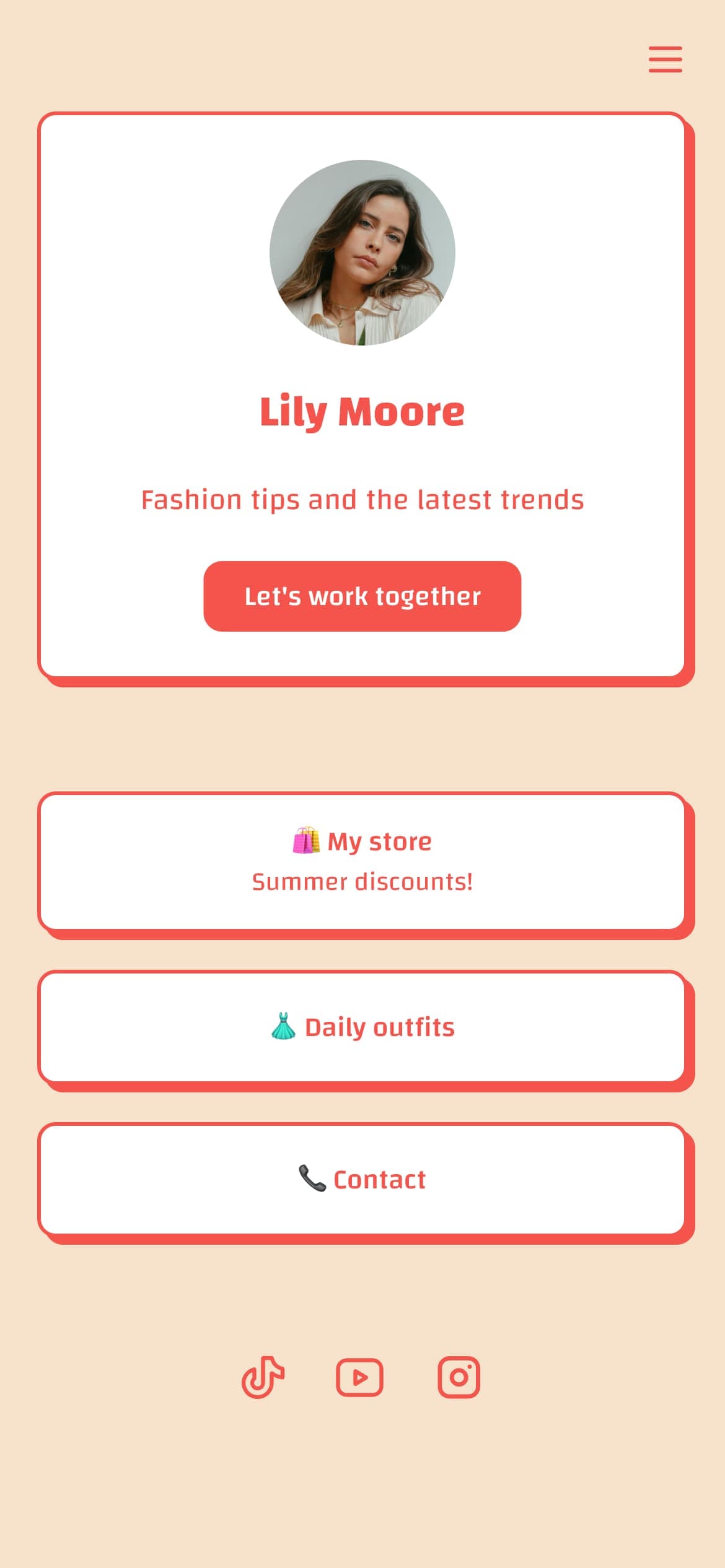
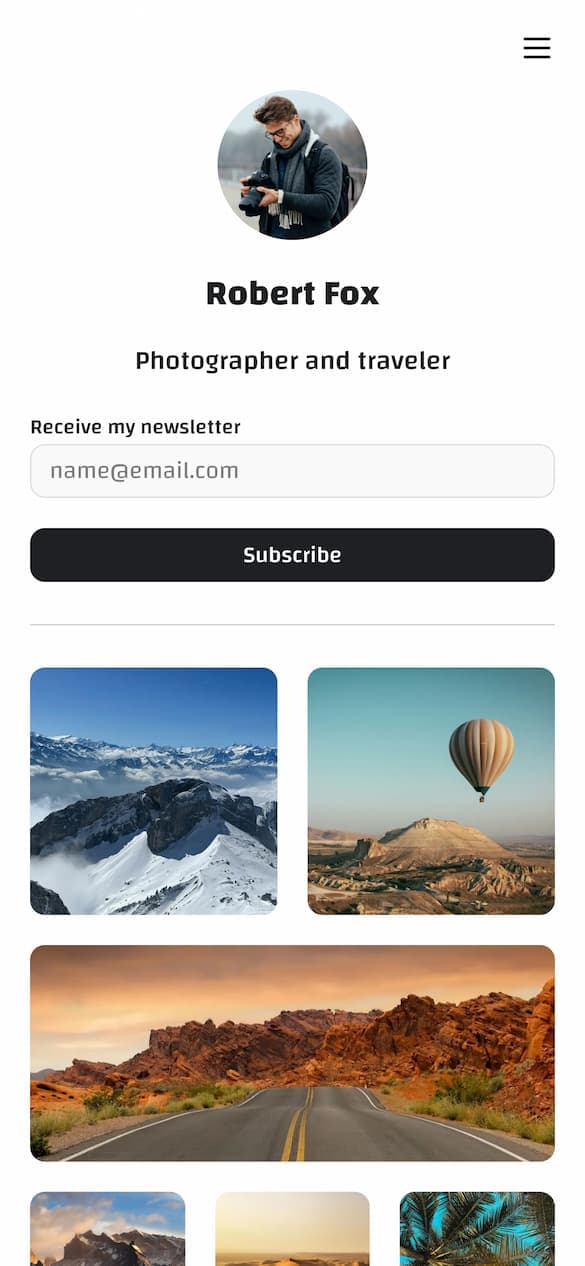
Drag-and-drop editor with 18 content blocks, per-block styling, and custom themes.
Create your pageThe Blocks Every TikTok Bio Page Needs
Beyond the featured item, these are the core blocks your page should include:
Platform links. Now that TikTok removed the YouTube and Instagram quick-link fields, these need to live in your bio page. Use icon links or minimal text labels. If you're active on five platforms, show all five. Don't pick one and hide the others. TikTok followers who want to find you on Instagram shouldn't have to search your handle.
Email capture. This is the most skipped element on creator bio pages and the most important one for long-term stability. You don't need a complex form. A direct link to your Beehiiv signup, ConvertKit landing page, or any simple subscribe page is enough. Give visitors a reason to sign up: "weekly tips I don't post on TikTok" or "first access to new products."
Primary offer. Your Etsy shop, Gumroad product, Calendly booking page, Patreon, or affiliate link needs a clearly labeled button. "Book a 30-min call" works. "Check this out" does not. Be specific about what happens when they click.
An image block or video embed (optional). Bio page tools that support image blocks or video embeds let you create a visual experience that reinforces your brand and keeps visitors on the page longer. If your tool supports it, a portfolio preview or latest video embed adds trust and keeps engagement up.
Keep the page tight. Five to seven items is the working range. More than that and you're turning your bio page into a wall of choices. TikTok users aren't arriving with patience. Give them one obvious first action and make the rest easy to find.
FAQ
Do you need 1,000 followers to add a link to your TikTok bio?
Yes, on a General TikTok Account. TikTok's help centre states you can add a website link to your profile "if you have at least 1,000 followers, or if you have a Verified Business Account." A Verified Business Account has no follower minimum. Switching your account type alone does not grant the exemption, and there is no published regional restriction on the website field itself.
How many followers do you need to put a link in your bio on TikTok?
1,000, on a General TikTok Account. TikTok's help centre wording, re-read on 22 October 2026, is that you can add a website link "if you have at least 1,000 followers, or if you have a Verified Business Account". The second path has no follower minimum at all.
Can you put a link in your TikTok bio under 1,000 followers?
Only as a Verified Business Account, which TikTok exempts from the follower minimum. On a General TikTok Account under 1,000 followers the Links field does not appear, and switching to a business account without completing verification does not add it: TikTok's exemption belongs to the verified account only.
What are the rules for adding a link to my TikTok bio?
Three rules cover it. You need 1,000 followers on a General Account or a Verified Business Account. You get one website URL field, not several. And TikTok no longer supports profile links that open other social apps, so anything you want to send people to has to sit behind that single URL. TikTok also applies safety limits to long redirect chains opened in its in-app browser, so link directly rather than through a stack of shorteners.
What should I put in my TikTok bio link?
Point it to a bio page that can handle your cross-platform links, your current offer, email capture, and a clear primary action. A single static website page usually isn't flexible enough for this. Most creators use a purpose-built bio link page that lets them update the featured item as campaigns change.
Can you have multiple links in your TikTok bio?
Not directly. TikTok gives one website URL field. The standard solution is to point that URL to a bio link page that organizes multiple destinations in one place. That's what lets one URL do five jobs.
How often should I update my TikTok bio link?
The URL itself rarely needs changing. The destination page should update whenever you start a new campaign or content push. Realistically, that means checking it weekly. At minimum, update the featured item whenever you have a TikTok actively driving traffic to a specific offer.
One Link Can Do Everything If the Page Is Built Right
TikTok's changes made the bio link more load-bearing than it used to be. The platform shortcuts are gone. Everything goes through one URL now.
That's actually a simpler system if you build the destination page correctly. One well-designed bio page that handles platform links, email capture, your current offer, and a featured rotating slot does more than three scattered profile fields ever did.
Build it around the five jobs your audience needs it to handle. Keep the structure tight. Update the featured slot whenever your content changes.
For choosing which tool to build your page on, the best link in bio for TikTok comparison covers the main options and what matters specifically for TikTok traffic. If you sell physical goods and are weighing in-app checkout against the bio link, see our breakdown comparing to TikTok Shop directly. And if you've seen the creator debate about whether bio links suppress views, the short answer is no, read does adding a link to your TikTok bio lower your views for the full breakdown.
Build Your Page in Minutes
Drag-and-drop editor with 18 content blocks, per-block styling, and custom themes.
Create your page